Setting up software on Ubuntu
OpenSSH
Step 1: Installing the SSH Client using the code below:
sudo apt install openssh-client
Step 2: Generating private key on another laptop or PC:
ssh-keygen -t rsa
Step 3: Storing the generated key into Github Account:

Visual Studio Code
Step 1: Download Visual Studio Code from the official website.
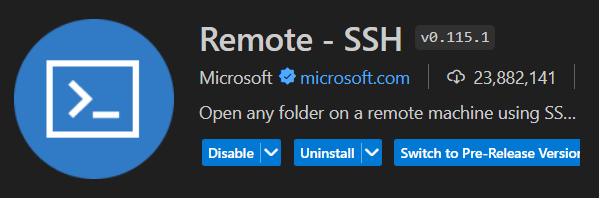
Step 2: Install Remote - SSH extension for controlling the mini PC remotely.
Docker
Step 1: Install Dev Containers extension, where it can creates individual container for different projects.